
When choosing an HMI panel, focusing solely on screen size can be misleading. Instead, prioritize usability, interface design, and environmental needs, which directly affect operational efficiency and safety. A smaller, well-designed screen can outperform a larger, cluttered one, especially in noisy or fast-paced settings. If you keep exploring, you’ll discover how factors like layout, ergonomics, and user experience are equally, if not more, important for effective system performance.

Get school and study supplies delivered free — and shop member deals
- Fast, free delivery on millions of items
- Access to Prime Big Deal Days deals on October 6–7
- Prime Video, Amazon Music and more included
Key Takeaways
- Effective interface design prioritizes usability and clarity over screen size for better operator interaction.
- Larger screens can cause clutter, slow responses, and increase error risks, making size less critical.
- User experience factors like font, color, and responsiveness are more important than display dimensions.
- Smaller, well-optimized interfaces can outperform larger displays in noisy or fast-paced environments.
- System efficiency depends on design quality and ergonomics, not just screen size.

When choosing an HMI panel, many people immediately focus on screen size, assuming bigger always means better. While a larger display can seem appealing, it’s not the most important factor in guaranteeing your system works effectively. Instead, you should prioritize how well the user interface design supports your operators’ tasks and the overall user experience. A bigger screen might look impressive, but if the interface isn’t intuitive or the information isn’t clear, it can actually hinder productivity rather than enhance it.
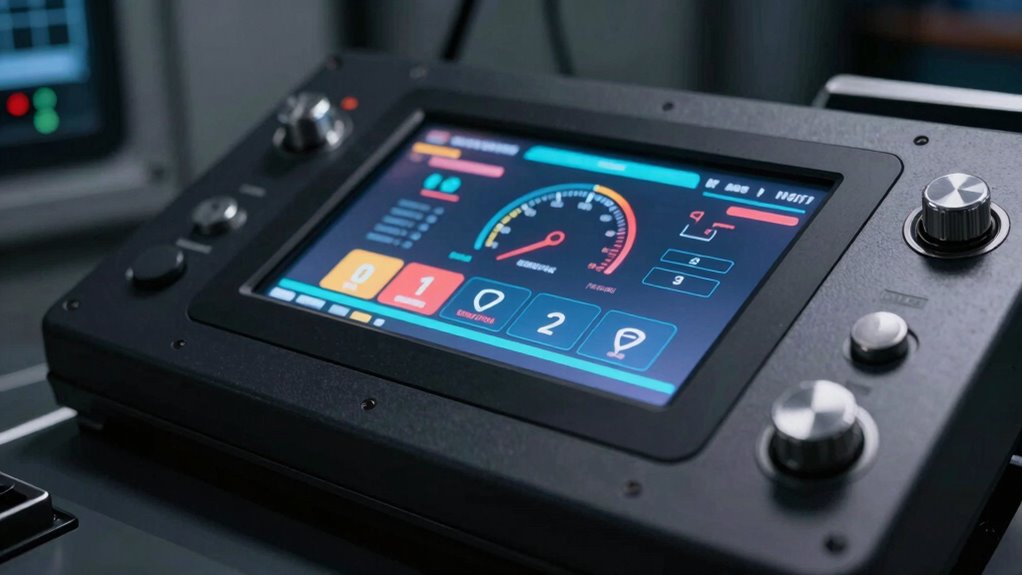
User interface design is vital because it determines how easily users can navigate, interpret data, and interact with the system. A well-designed interface uses logical layouts, clear visuals, and straightforward controls, regardless of the screen size. When your interface is optimized, operators can quickly find what they need without confusion or frustration. On the other hand, focusing solely on screen size often leads to cluttered or overly complex interfaces, which can slow down operations and increase the risk of errors.
A well-designed interface ensures quick, intuitive navigation and reduces errors, regardless of screen size.
User experience is equally important. It encompasses every aspect of how users perceive and interact with the HMI panel. The goal is to create an experience that’s smooth, efficient, and comfortable. An overly large screen might require more physical space, increased power consumption, and higher costs, without delivering meaningful improvements in usability. Instead, your focus should be on designing an interface that’s easy to read, responsive, and tailored to the specific needs of your operators. This means considering factors like font size, color schemes, touch responsiveness, and menu structure. Additionally, understanding the optimal screen size for your environment can significantly enhance usability and safety. Recognizing that ergonomic considerations play a crucial role can help ensure the interface is comfortable for operators to use over extended periods. Moreover, a well-balanced approach that considers human factors can lead to better overall system performance and reduced operator fatigue.
Furthermore, a larger screen doesn’t always mean better visibility or accessibility. In some cases, a smaller, well-designed interface can be more effective, especially if it’s optimized for the environment where it’s used. For example, in a noisy or fast-paced setting, a clear, concise interface with prominent alerts and simple controls can outperform a larger, cluttered display. Prioritizing user interface design and user experience helps guarantee that your HMI panel actually supports operational efficiency, rather than just looking impressive.
As an affiliate, we earn on qualifying purchases.
Frequently Asked Questions
What Are the Key Features to Consider in HMI Panels?
When choosing HMI panels, you should focus on key features like color calibration for clear visuals and accurate data display. Power consumption is also critical to guarantee efficiency and reduce operational costs. Consider the panel’s resolution for sharp images, durability for long-term use, and connectivity options to integrate seamlessly with your systems. These features ensure you select an HMI panel that’s reliable, efficient, and suited to your specific needs.
How Does Durability Impact HMI Panel Selection?
Durability greatly impacts your HMI panel choice because environmental resilience and material robustness guarantee your device withstands harsh conditions. If your environment exposes the panel to dust, moisture, or vibrations, opt for robust materials like stainless steel or reinforced plastics. This helps prevent damage, reduces downtime, and extends the panel’s lifespan. Prioritizing durability ensures your HMI remains reliable and functional, saving you maintenance costs and ensuring continuous operation.
What Are the Latest Technological Advancements in HMI Panels?
Imagine a window into the future—today’s HMI panels now feature advanced gesture recognition and seamless wireless connectivity, transforming your interactions. These technological strides allow you to operate systems more intuitively and remotely, reducing clutter and increasing efficiency. Latest advancements focus on smarter, more responsive interfaces, enabling faster data access and control. Embracing these innovations helps you stay ahead, making your operations smoother and more adaptive to evolving technological landscapes.
How Does User Interface Design Affect HMI Efficiency?
You influence HMI efficiency through thoughtful user interface design by prioritizing user customization and visual clarity. When you enable users to tailor controls and displays to their preferences, tasks become faster and more intuitive. Clear visuals reduce errors and improve readability, especially in demanding environments. By focusing on these aspects, you make the interface more effective, ensuring operators can work efficiently without unnecessary distractions or confusion.
What Are Common Maintenance Requirements for HMI Panels?
Your HMI panels require regular maintenance, or they might fail faster than a lightning strike. You should routinely check connections, update software, and clean screens to guarantee clarity. Remote monitoring helps catch issues early, preventing costly downtime. Also, focus on power management—confirm proper backup power sources and avoid overloads. These steps extend your HMI’s lifespan, keeping your operations running smoothly without unexpected surprises or costly repairs.
Conclusion
So, next time you’re choosing an HMI panel, ask yourself: is screen size really the most important factor? Focusing on what truly matters—like functionality, user experience, and future scalability—will lead you to a smarter decision. After all, isn’t it better to select a panel that fits your needs perfectly rather than just opting for the biggest screen? Remember, the right choice isn’t about size; it’s about how well the panel works for you.
Halloween Picks
halloween
As an affiliate, we earn on qualifying purchases.